Television viewing at home is quite different from 10 years ago. Shows come in via an internet connection, and families want to watch shows on any screen, anywhere. This guide will tell you what those trends are, the impact they have on your home network, and how you can create a setup that functions seamlessly.
Why Home Entertainment Now Runs on the Internet
Video, music, games, and live events are now the primary vehicles for broadband. A lot of things have changed in the way of streaming, with much faster home connections and much cheaper devices; this is made possible for almost every household. It allows people to stop, rewind, and play back on their phones, tablets, and televisions. This gives you more options and more control, and higher usage of your home network.
How Television Travels Over Broadband
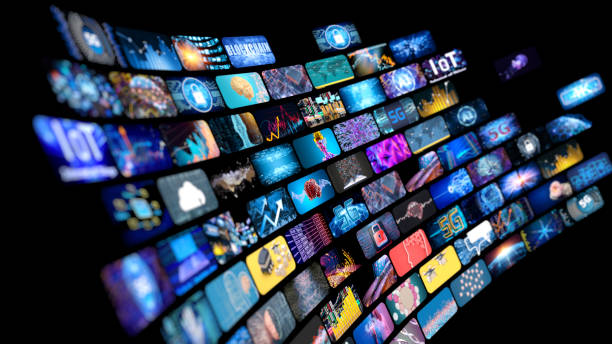
Also known as IPTV, this is the technology that delivers live channels and on-demand television programming via an internet connection rather than a cable line. These services are similar to Televo Canada, and the quality of your viewing experience will depend on your connection as well as the quality of the service. The channel list and program guide are built using the player app of the device. That is the reason why it is important for anyone who’s gotten away from standard cable packages to have a stable and fast network.
Speed Matters More Than Most People Think
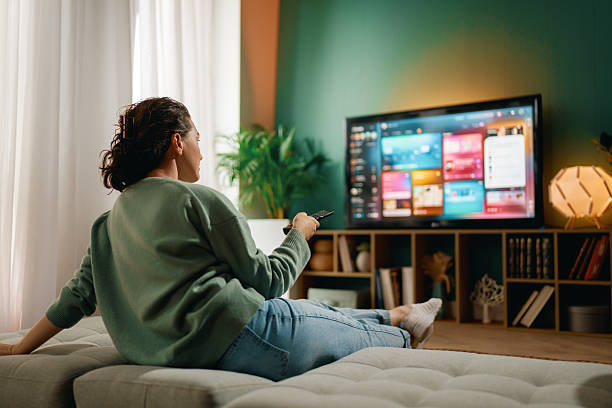
Various videos demand various speeds. A good rule of thumb is that standard HD streams are fine at 10-20 Mbps and 4K streams may require 25 Mbps or more. Keep in mind that all of the network devices are connected to the same connection. When two people are creating 4K streams and a third person joins a video call, the sum of the three quickly reaches the 4K ceiling. Include some extra space over and above what one screen requires and test your speed at the peak time of the evening.
Fibre, Wi-Fi and Wired Connections
Many cities are turning to fibre connections due to their high-speed and reliable internet service. Wifi connections are frequently the downfall in the house. Sometimes, buffering occurs due to thick walls, distance from the router, or crowded channels. A good solution for a TV or streaming box located a long way from the router is to use a wired Ethernet cable. For larger homes without dead spots, mesh systems can also prove to be beneficial.
One Account, Many Screens
The flexibility is the basis of modern entertainment. The same content can be enjoyed on TV, streaming sticks, tablets, phones, and laptops. Now many households watch the main show in their living room, and then complete it on a phone on their commute. In the selection of devices, it is important to find those that regularly receive software updates, as older devices may be slower or may not be supported by newer apps.
Privacy, Security and Licensing
As more devices connect to the Internet, more items need to be secured. Ensure all device software is up to date, use strong passwords, and create a guest network for visitors. Don’t download apps from sources you don’t know, because they may be malicious or collect more data than you want. The issue of licensing should be considered. All content on any service should be obtained from a properly licensed source, so check who runs a service, read the terms, and be wary of offers that appear too good to be true.
Simple Tips for a Smoother Setup
There are a number of habits that can help make a major difference. Locate your router in an open area in the middle of the room. Turn it on and off now and then, and steer clear of other big downloads during prime viewing time. If the stream buffers, slow your pen down for a time, get closer to the router, or use a cable. If playback stutters, make sure your apps are updated and clear the app cache.
Conclusion
Today, digital home entertainment depends as much on the quality of your network as it does on the screen in front of you. These all contribute to a better viewing experience: good speed, stable Internet connection, secure devices, reliable and properly licensed services. Take a look at what you have, fix the weakest link, and enjoy an easier, safer viewing experience.